Do you have multiple devices that you work on and want to continue reading a web page that you are reading on your PC ? We already have multiple extensions in Google Chrome to achieve the same. How about having this feature in-built in your Google Chrome browser? That’s exactly what Google has done to your favourite browser. Google has started rolling out update to Google Chrome which will bring this handy feature across multiple platforms. This means that you don’t have to worry about switching webpages across all your devices without worrying about working on technalities to get this job done. This is pretty straight forward and doesn’t require any third party extension. Let’s see how we can send a web page from your PC or Mac to your Android/iPhone or Vice-versa!
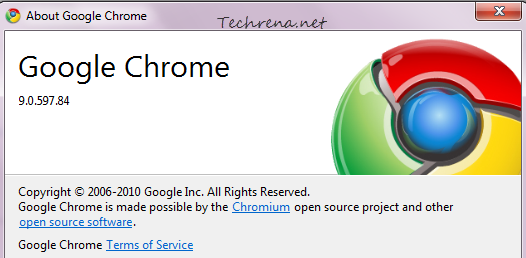
Step 1: update your Google Chrome browser right away.
Step 2: open any page from your Chrome.
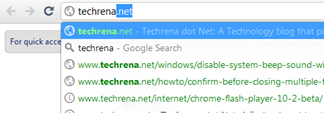
Step 3: now go to the address bar and highlight the URL.
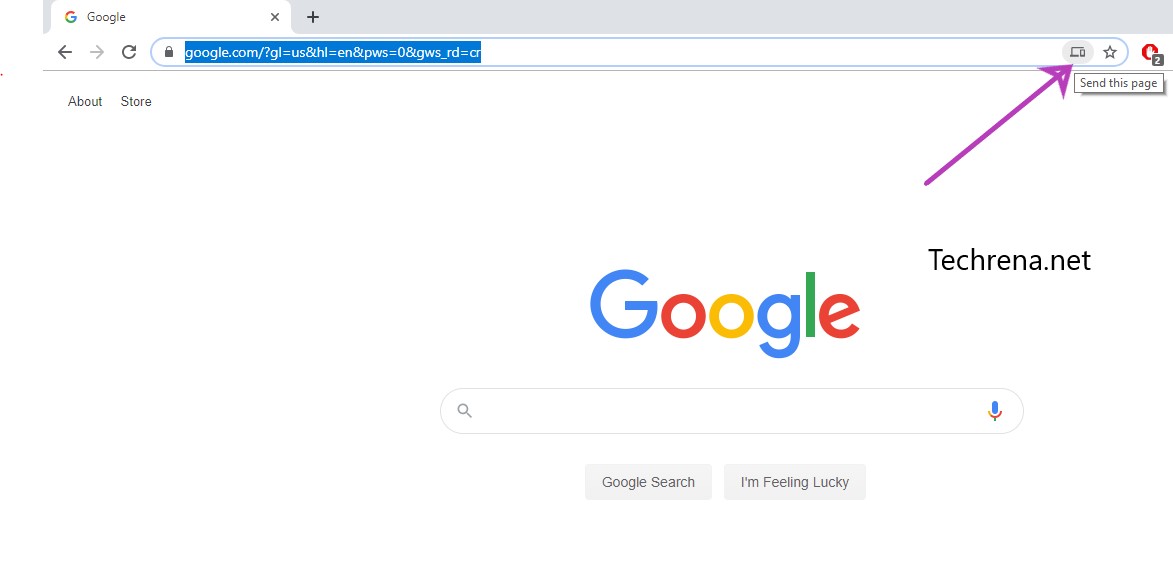
Step 4: You will find a small ‘Send this page’ icon towards the right extreme corner of the address bar.
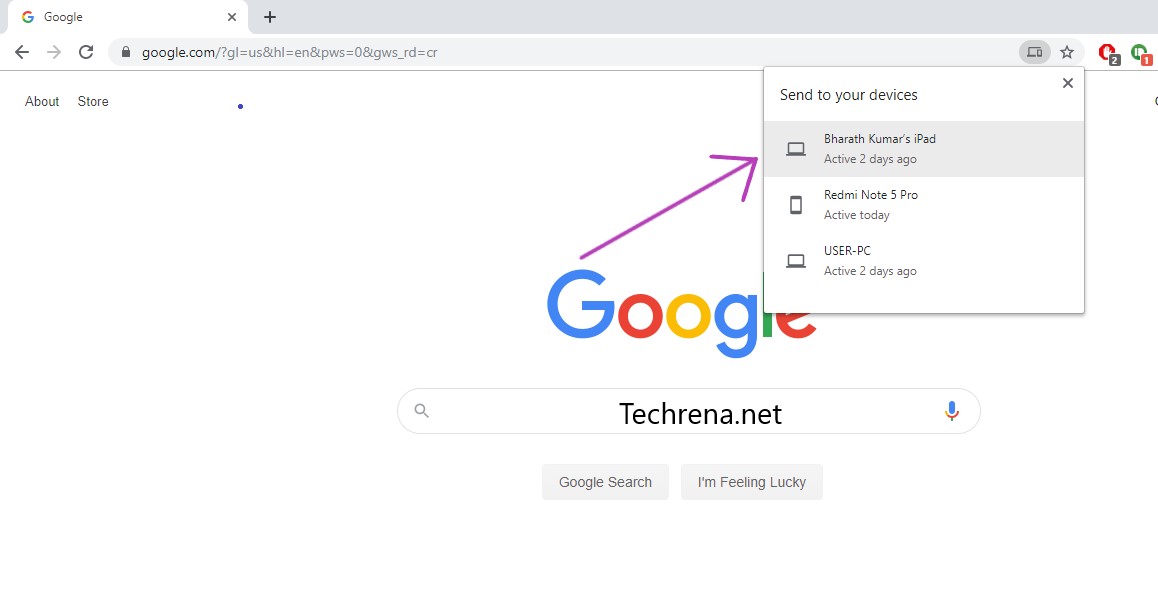
Step 5: Clicking on the icon will open the list of devices on which you are using Google Chrome with your account and you can send your current page to any of them. Viola !
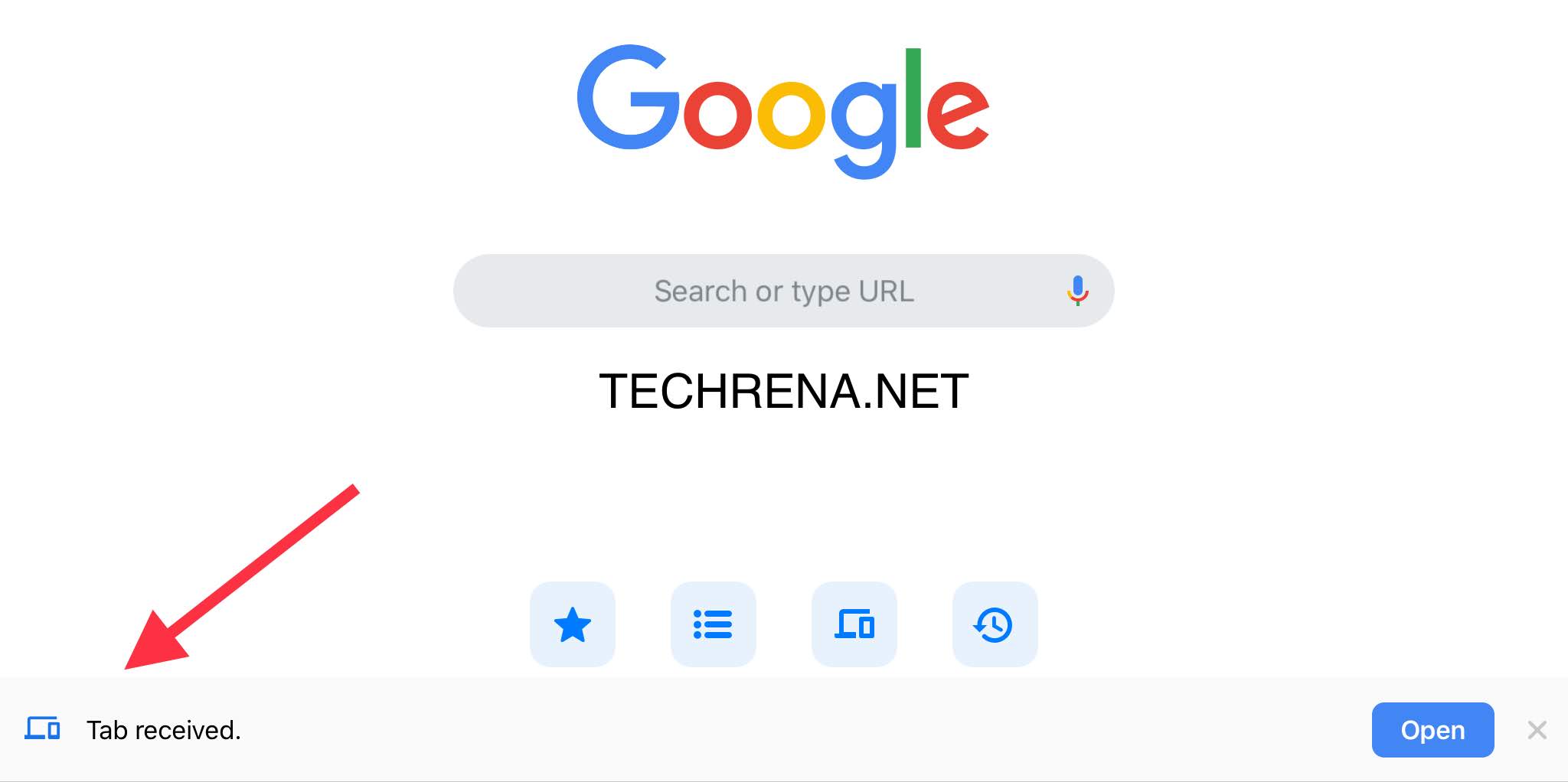
As you can see from the above, the tab has been received from my Google Chrome on PC to Google Chrome on my iPad. I can now continue reading the webpage on my iPad from whete I left off on my PC previosuly. It works seemlessly.
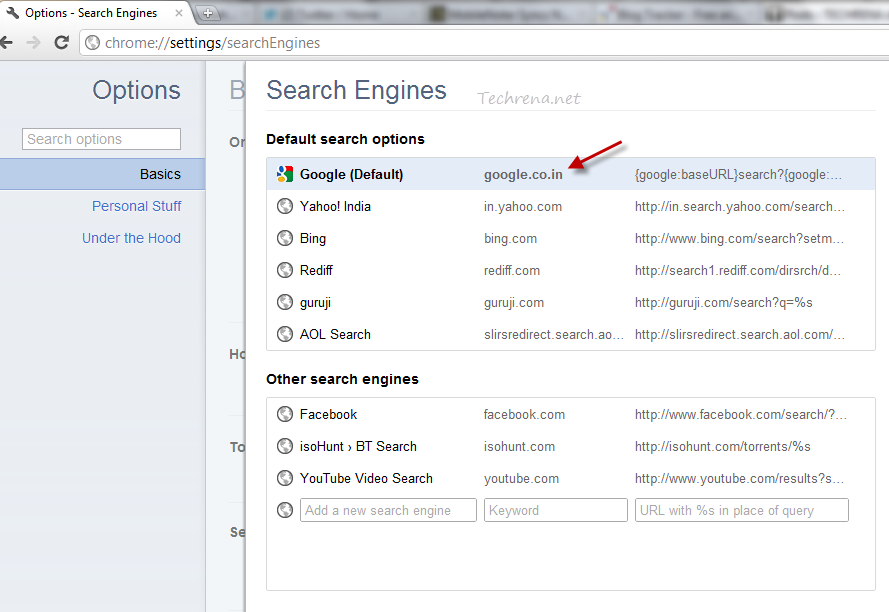
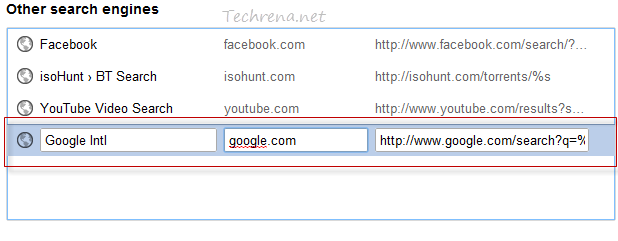

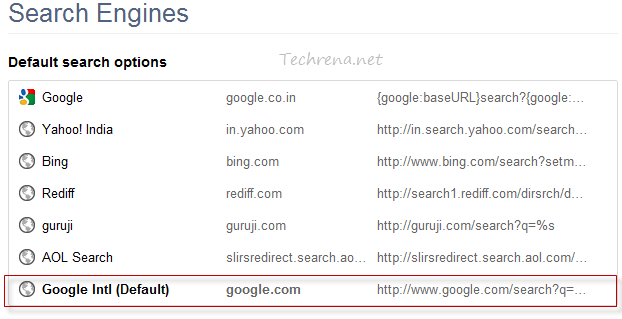
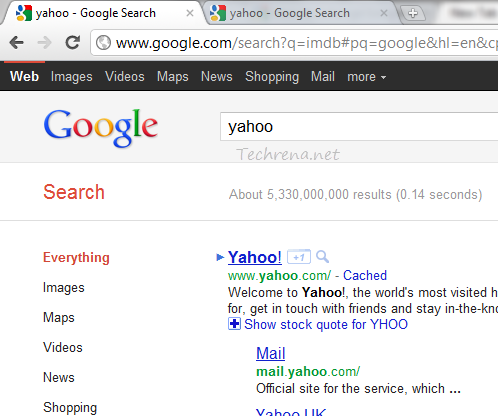


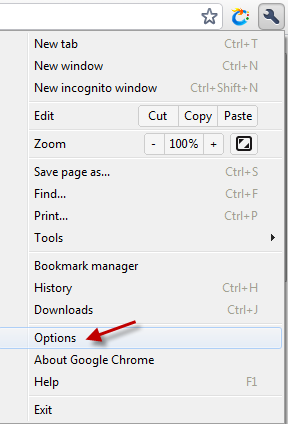
 towards the left-hand side of the Chrome window and click “Options” from the list.