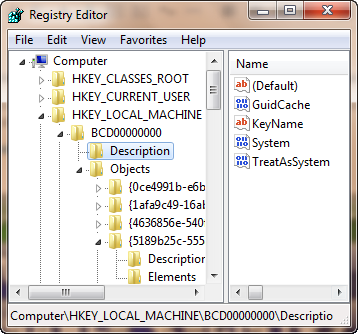
With viruses trying to attack your system and change the registry, why don’t we try disabling the registry editor now itself before the viruses do it?
Yes, this question is a clear one and why don’t you disable the registry editor by yourself before someone changes your registry and mess with your computer.
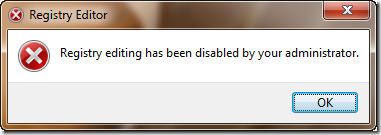 Well we have a lot of methods to disable or enable the registry editor. Some of the easiest ones are given here.
1. Disable or enable Registry Editor using Registry Enabler & Disabler 3
Registry Enabler & Disabler 3 is a freeware which can be used to enable or disable Windows Registry editor. It is a safe program.
Download: Registry Enabler & Disabler 3
Size: 276 KB

By using this program, you can directly enable or disable the Windows registry editor.
2. Disable or enable Registry Editor using Local Group Policy Editor
Press Start + R and type gpedit.msc and press Enter.
In the Local Group Policy Editor go to the location:
User Configuration—> Administrative Templates—> System
Under System, find Prevent access to registry tool. Double click on it and set Enabled to disable access to registry editor.
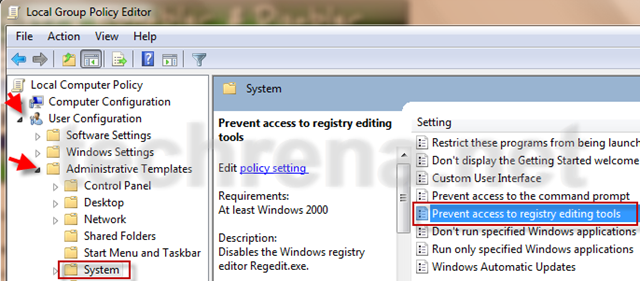
Set it to Disabled to enable access to Registry Editor.
Note: Local Group Policy Editor which is not available in Home versions of Windows
3. Enable Registry Editor Using VBS script.
This method is given in techrena.blogspot.com. To read more visit:
How to enable Registry Editor (REGEDIT)
You can subscribe to our RSS feed via email for more tutorials under Solutions.

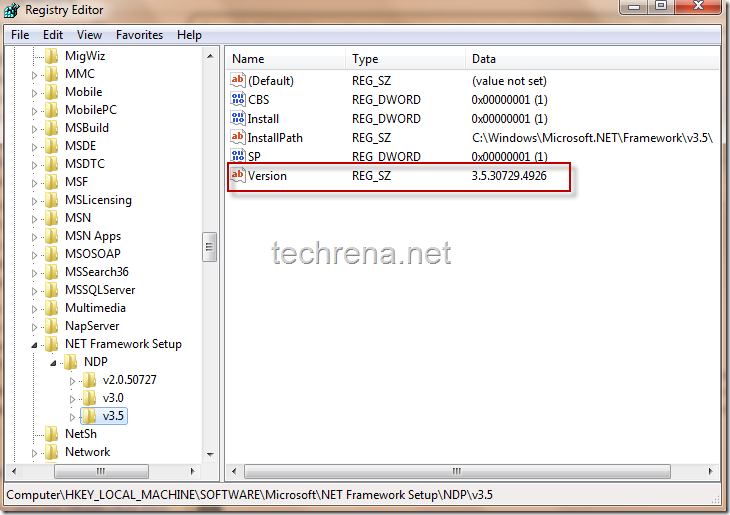
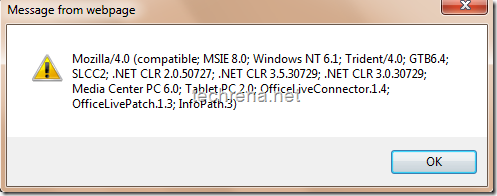
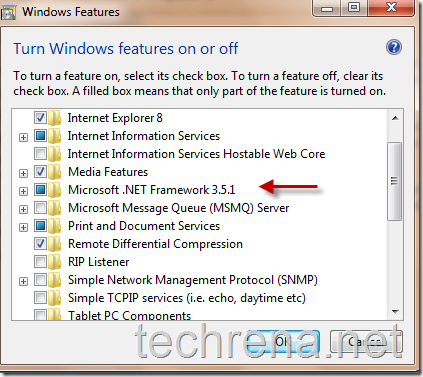
 These represent the versions of the .NET Framework installed in your computer.